Back to blog
Turn Zapia into your ultimate personal assistant
Did you know that Zapia can manage both your professional and personal life when you connect your email and calendar?Connecting your Outlook or Google account to Zapia is like giving your assistant superpowers. Instead of being just an AI chat, it becomes a personal assistant that truly understands your routine and helps you save time.
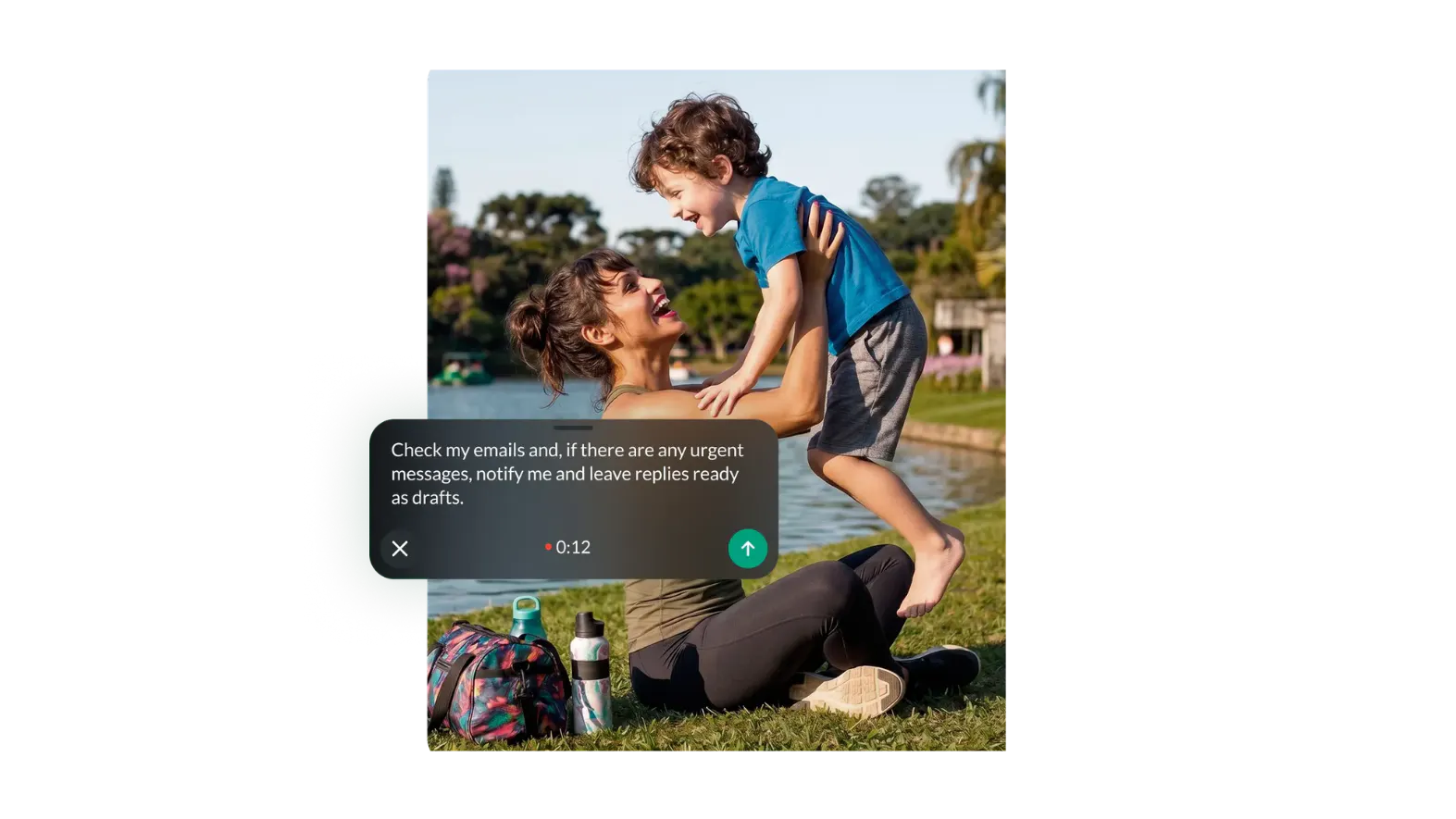
Whether you're a Google (Gmail/Calendar) user or a Microsoft (Outlook/Hotmail) user, here are the top 4 reasons to connect your account today:
1. Your personalized Morning Briefing
Imagine waking up and, before even opening your computer, receiving a voice note or message from Zapia saying:"Good morning! You have 3 meetings today, and the first one starts at 10:00 AM. Also, Maria from Avon sent you an email about the campaign that you haven't read yet."
By connecting your account, Zapia curates what's important so you can start your day fully informed and in control.
2. No more "Where's that email?"
Have you ever remembered receiving important information but couldn't recall who sent it or when? With your account connected, all you have to do is ask:"Zapia, what was the quote Carla Ferraz sent me last week?"
Zapia searches through your emails and gives you an instant summary, without requiring you to open Outlook or Gmail.
3. Voice-powered calendar management
Scheduling meetings or checking your availability has never been easier.You can say: "Zapia, what time is my meeting with Michele tomorrow?" or "Let me know if I have any appointments on Friday afternoon."
Zapia checks your calendar in real time and helps prevent scheduling conflicts.
4. Fast and smart email replies
Need to reply to a long email while you're on the go?Just ask Zapia: "Reply to Bianca's latest email saying that I approved the list and we'll move forward with the plan." Zapia drafts and sends the email for you while keeping the conversation history organized.
What about my privacy?
Security is a top priority. Zapia only accesses your information to perform the tasks you request. You remain in full control and can disconnect your accounts at any time through the settings.How do I connect?
It's very simple! Just type (or send a voice message) in your chat with Zapia saying:"Zapia, I want to connect my Google account"
or
"Zapia, connect my Outlook account"
I'll send you a secure link, you'll authorize access, and that's it—your personal assistant just leveled up!
Want an assistant that truly works for you?
Connect your Google or Outlook today and experience the difference of having Zapia take care of your morning briefing and calendar.